 PhoneWalls
01 / WALLPAPERS
Curated wallpaper collections
Browse abstract, minimal, cute, anime, cars, nature and other hand-picked categories.
Browse live, depth and DIY wallpapers made for Android and iPhone. Pick one you like, preview it and set it in a few taps.
See all PhoneWalls features ↓Free to explore · Premium options available
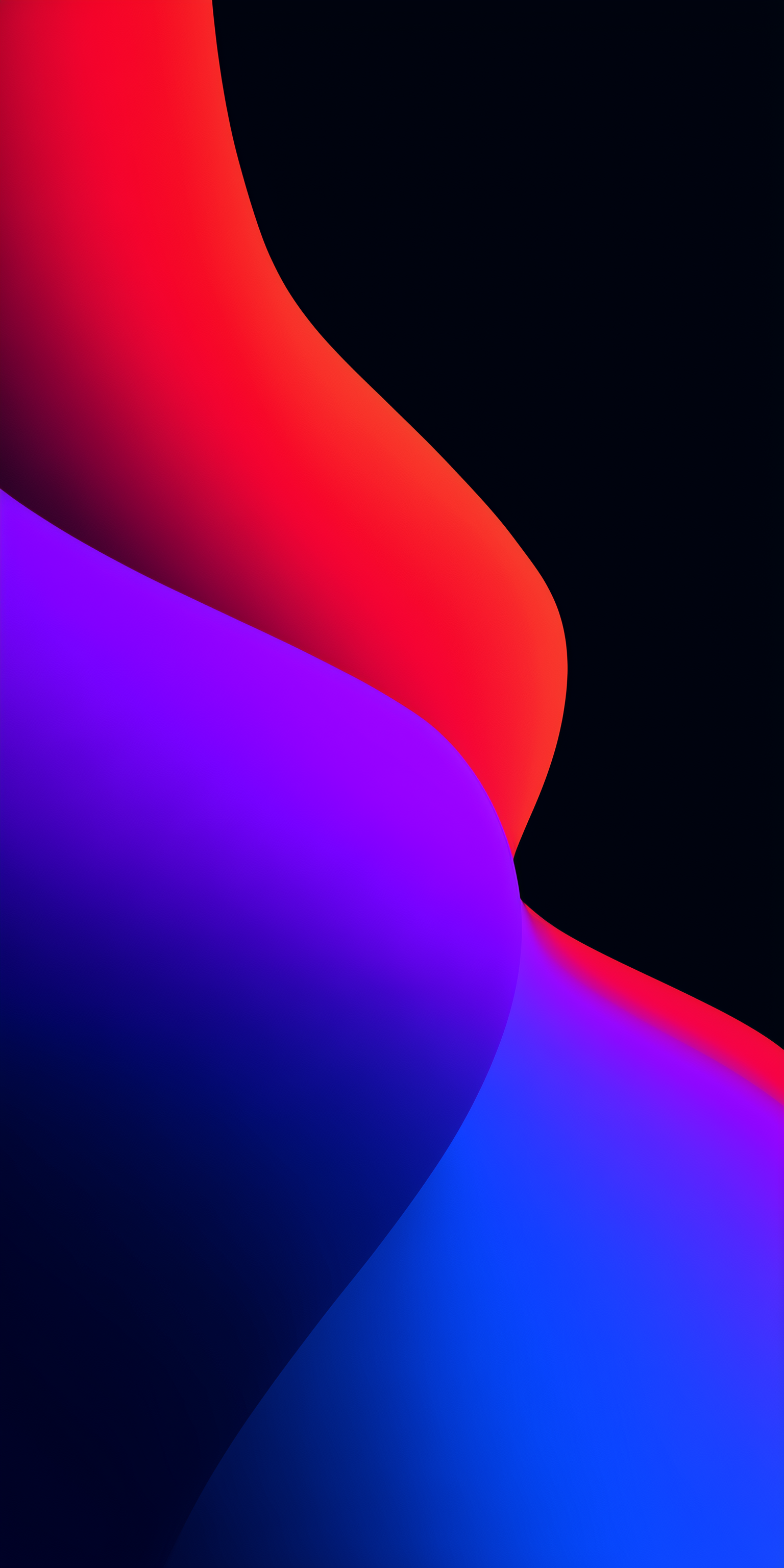 PhoneWalls / Wallpaper
Wallpapers, tools and small details that help you make the screen your own.
Browse abstract, minimal, cute, anime, cars, nature and other hand-picked categories.
Find wallpapers for a phone, tablet, desktop or a specific device name, with voice search available too.
Explore featured collections, new additions, hot-this-week picks and monthly wallpaper drops.
Save the wallpapers you like, download them or apply them directly to your home and lock screens.
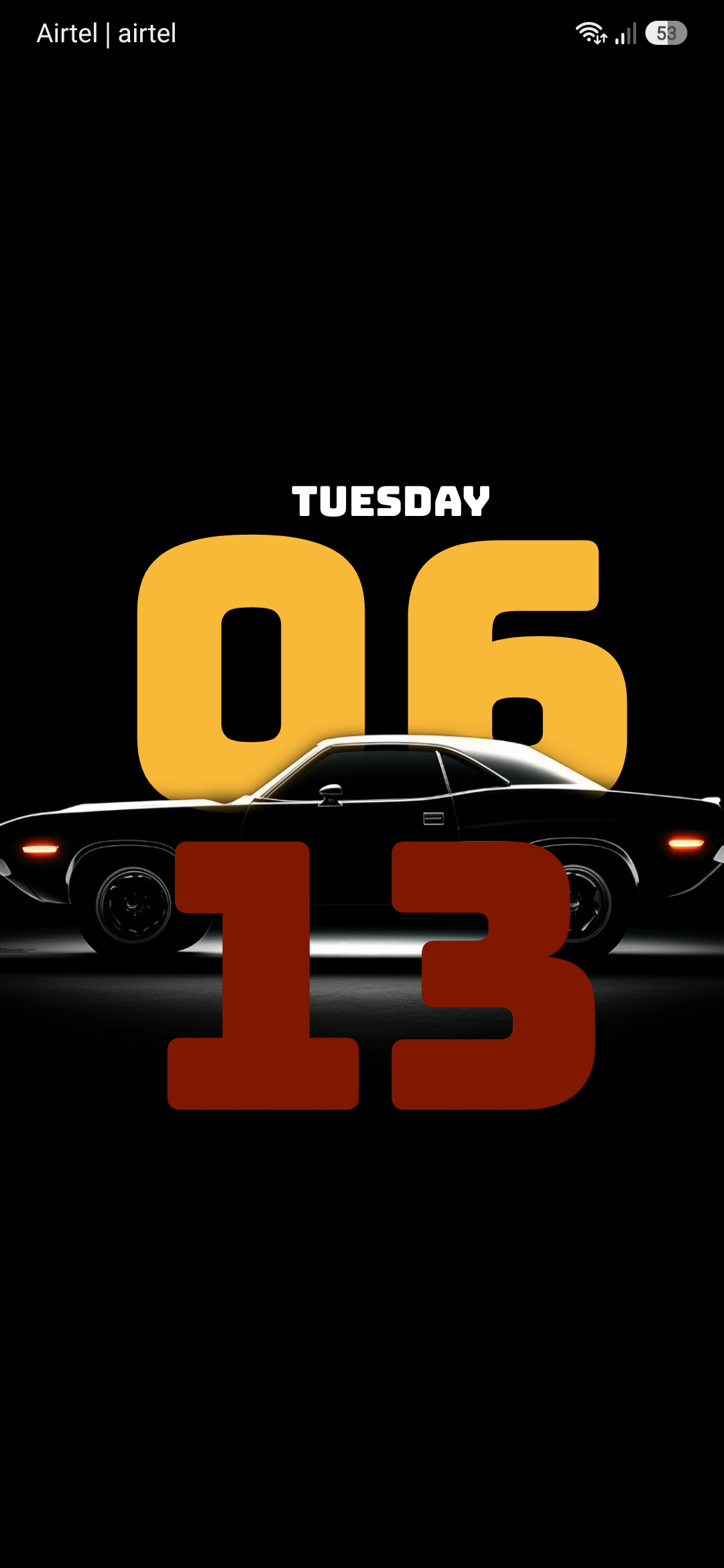
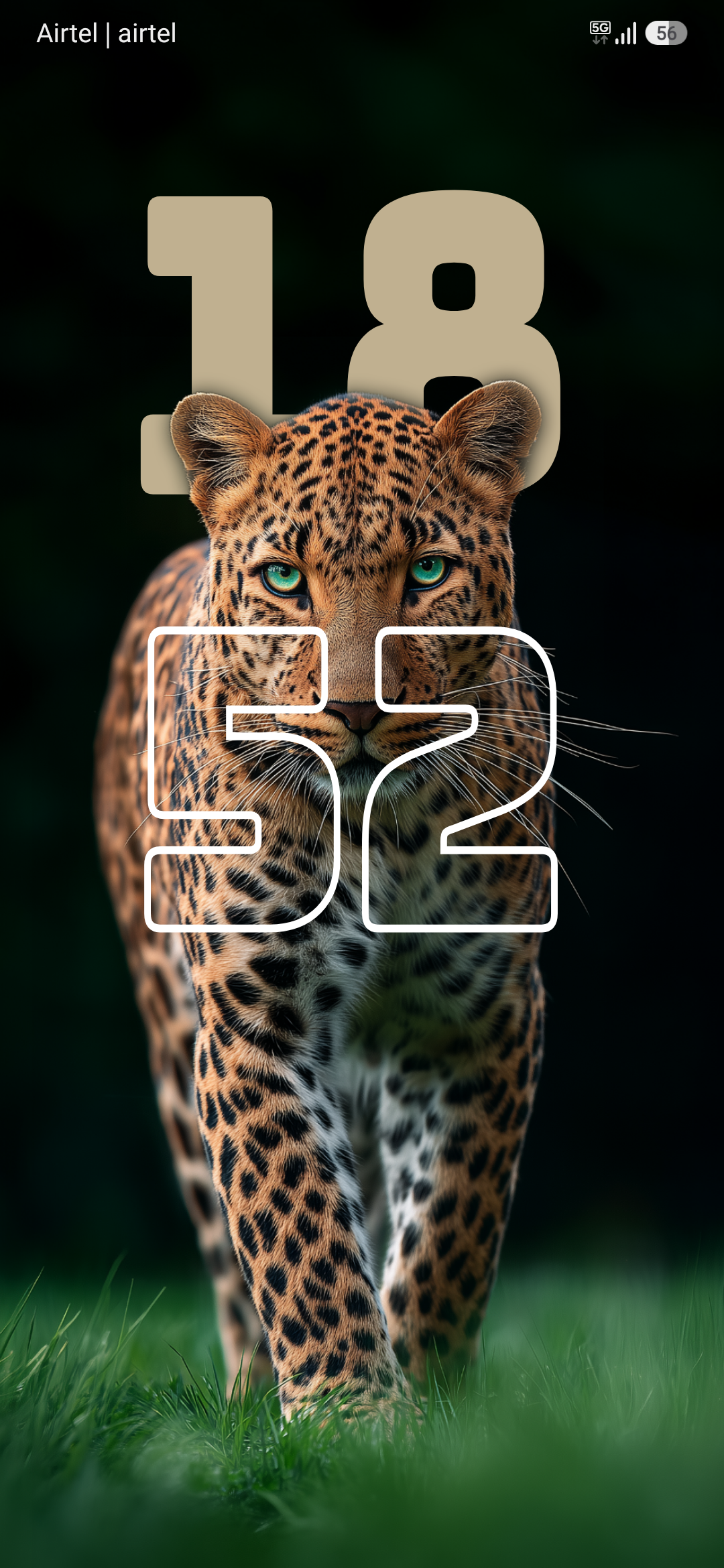
Place the clock behind the subject, then adjust fonts, size, color, position, date, opacity and layout.
Use motion wallpapers and animated DIY designs when a still image is not enough.
Create collages with photos, text, masks, outlines, layers, clocks and depth text.
Crop, blur, tint and add grain, remove backgrounds, use emoji stickers and add animated effects.
Keep a daily streak for free walls or let PhoneWalls change your wallpaper on a schedule.
Choose the app appearance that suits your phone, including true-black AMOLED mode and Material You colors.
Sign in with Google to save your subscription across devices and refresh your premium status.
Unlock premium wallpapers, ad-free browsing and Pro creative tools with the option that suits you.
These are real PhoneWalls depth setups, shown on a home screen so you can see the effect clearly.
Choose a layout, add your photos and make a wallpaper that belongs to you.
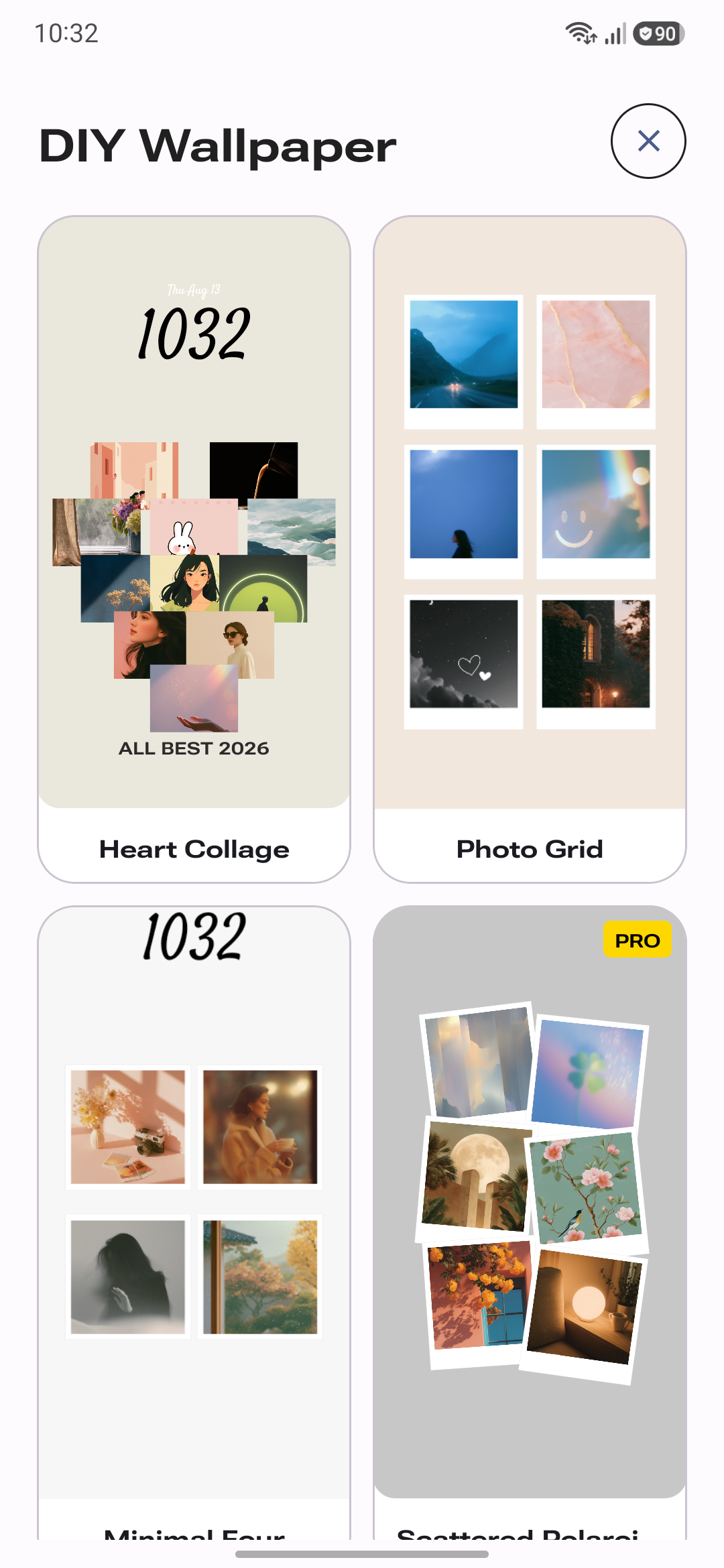
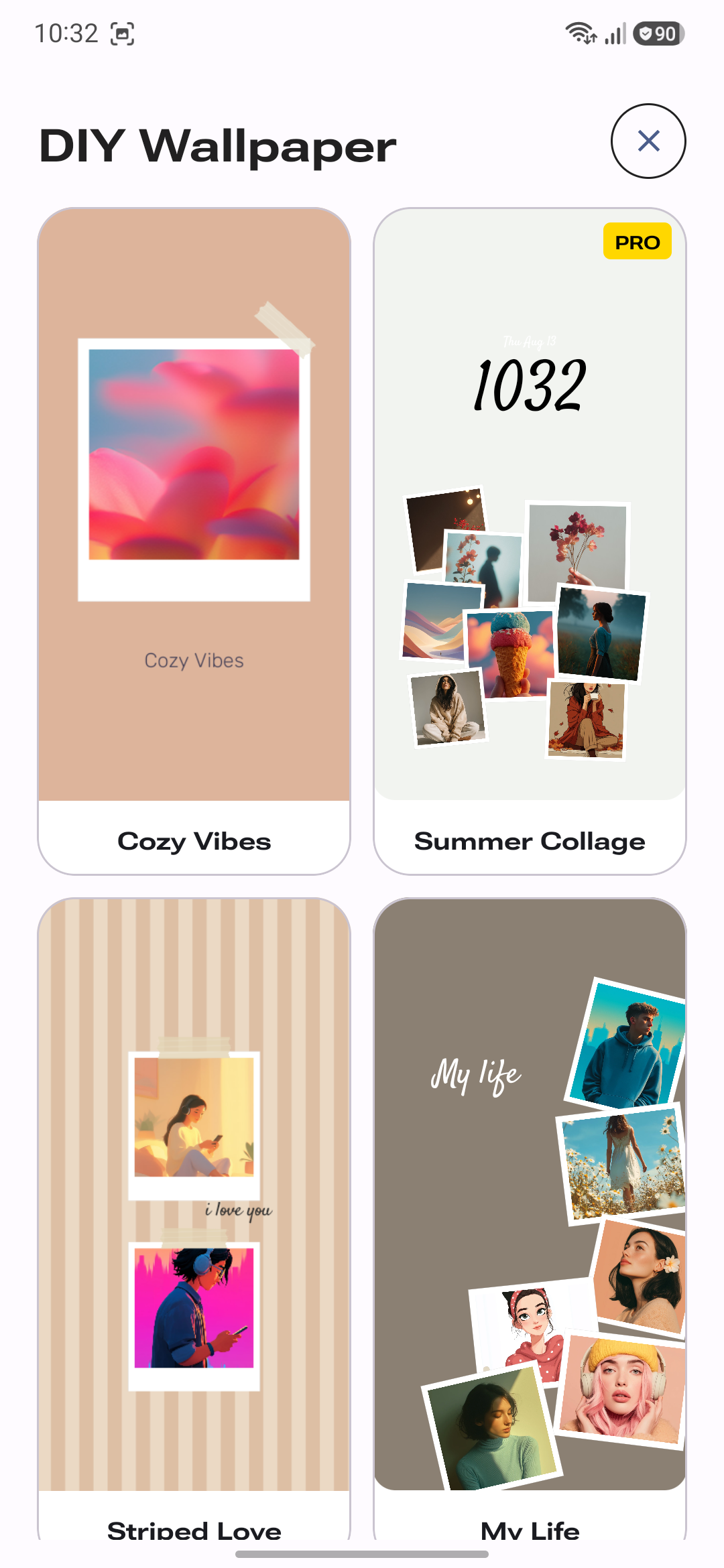
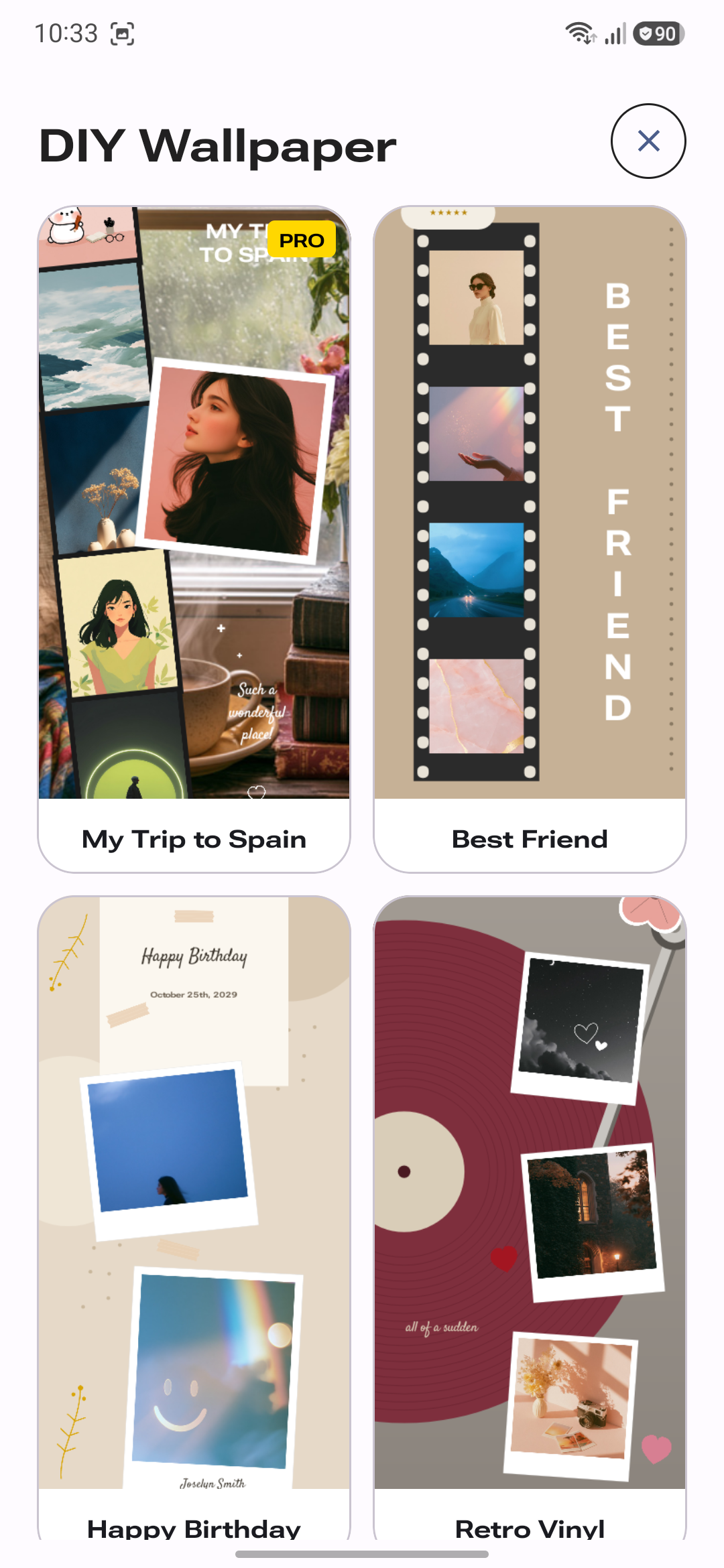
PhoneWalls keeps the process simple, whether you use a collection wallpaper or make your own.
Look through live, depth and other wallpaper collections.
Check the wallpaper on your home screen, lock screen or both.
Use DIY when you want to start with one of your own photos.
Set it with one tap and change it again whenever you like.
A few useful details before you download.
Yes. You can explore the app and use available wallpapers for free. Premium options unlock additional content and features.
Your premium access ends when the subscription is no longer active. You can continue using the free parts of the app.
Yes. DIY setups are designed for bringing your own photos and ideas into your wallpaper experience.
Use the support option inside the app or contact the PhoneWalls team through the details provided in your app listing.
PhoneWalls is available on Android and iOS. Choose your platform and find something that suits your screen.